You must have the necessary access level to edit contracts.
To edit a contract in the system, you must first find and view the contract.
Note: Further guidance is available on how to edit contracts using a spreadsheet export and import.
Step 1
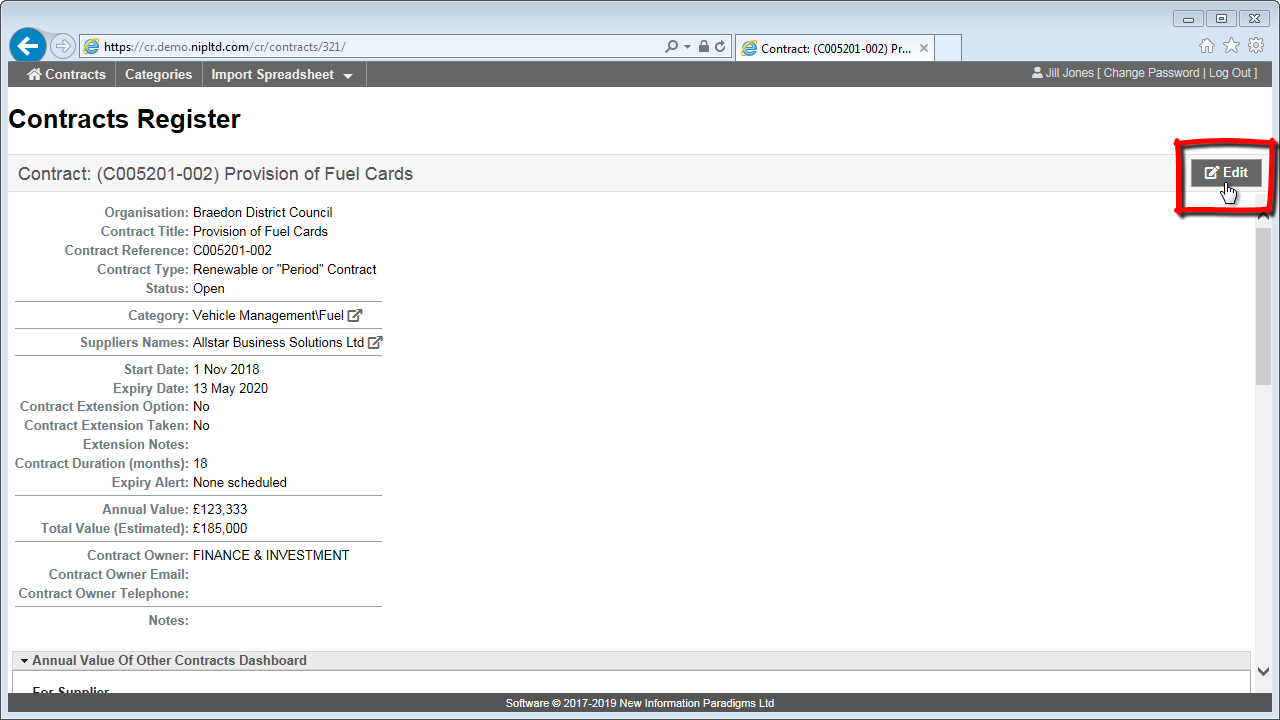
When in contract ‘view’ mode, click on the “Edit” button in the top right.
Step 2
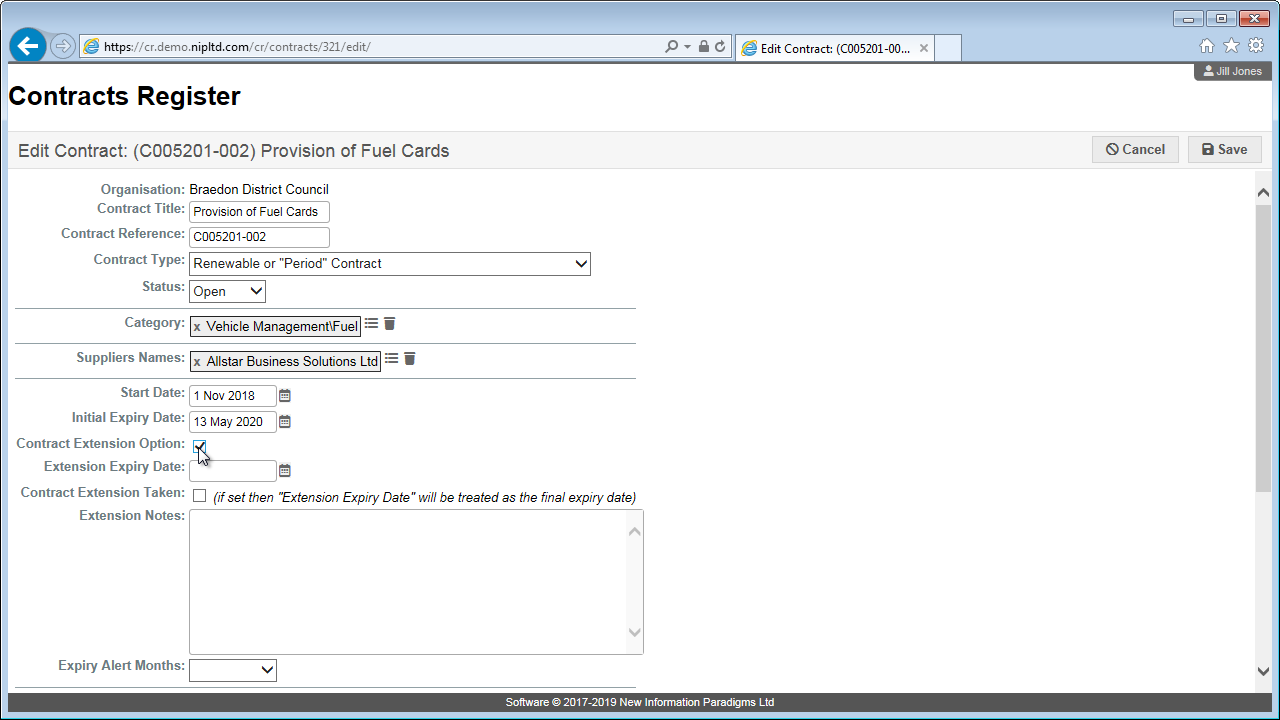
Make any changes to the contract information (Note: some fields are mandatory – see field descriptions for detail).
Step 3
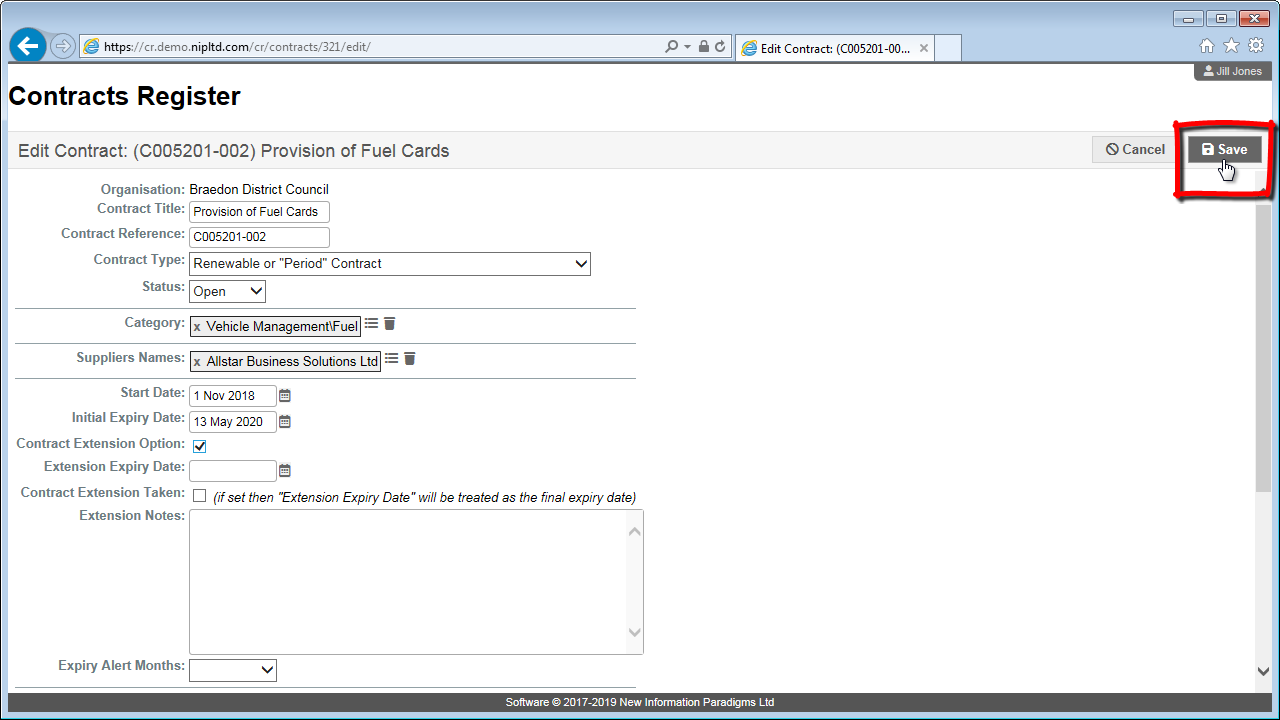
Click “Save” in the top right to save your changes.