Go to the contract
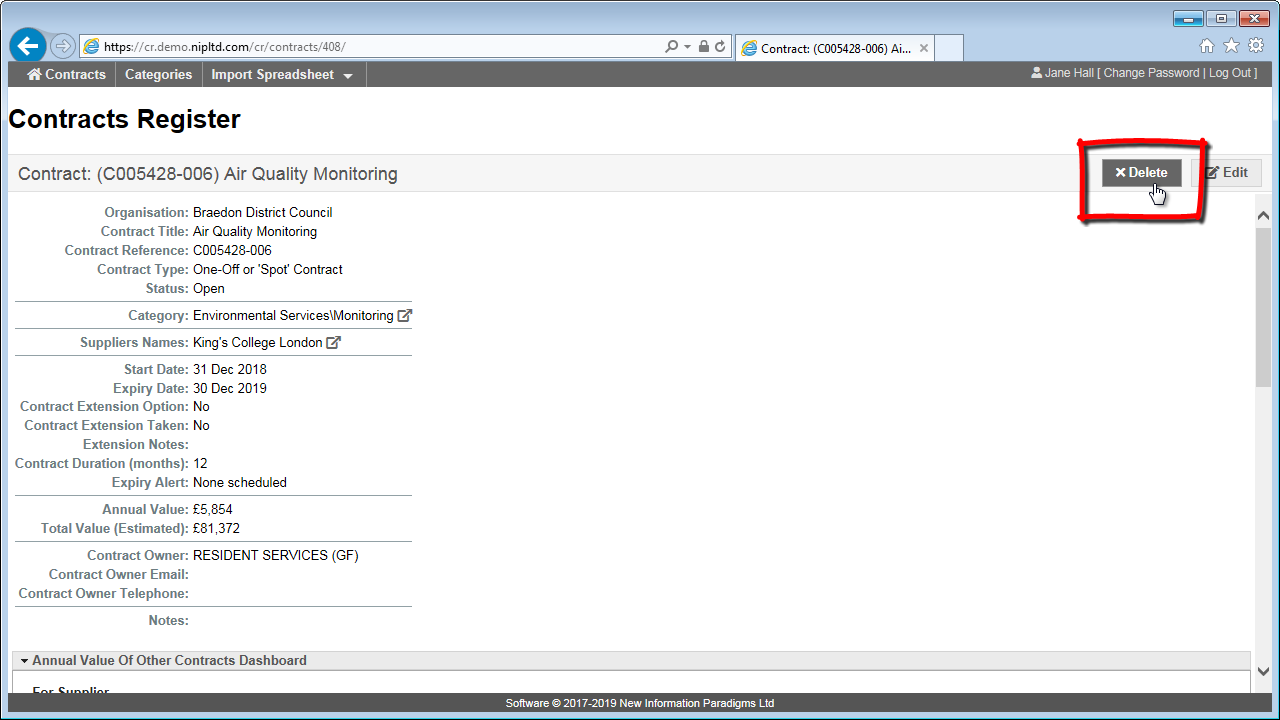
Go to the contract (see How to search and view contracts) and click the ‘Delete’ button to the top right.
Confirm the deletion
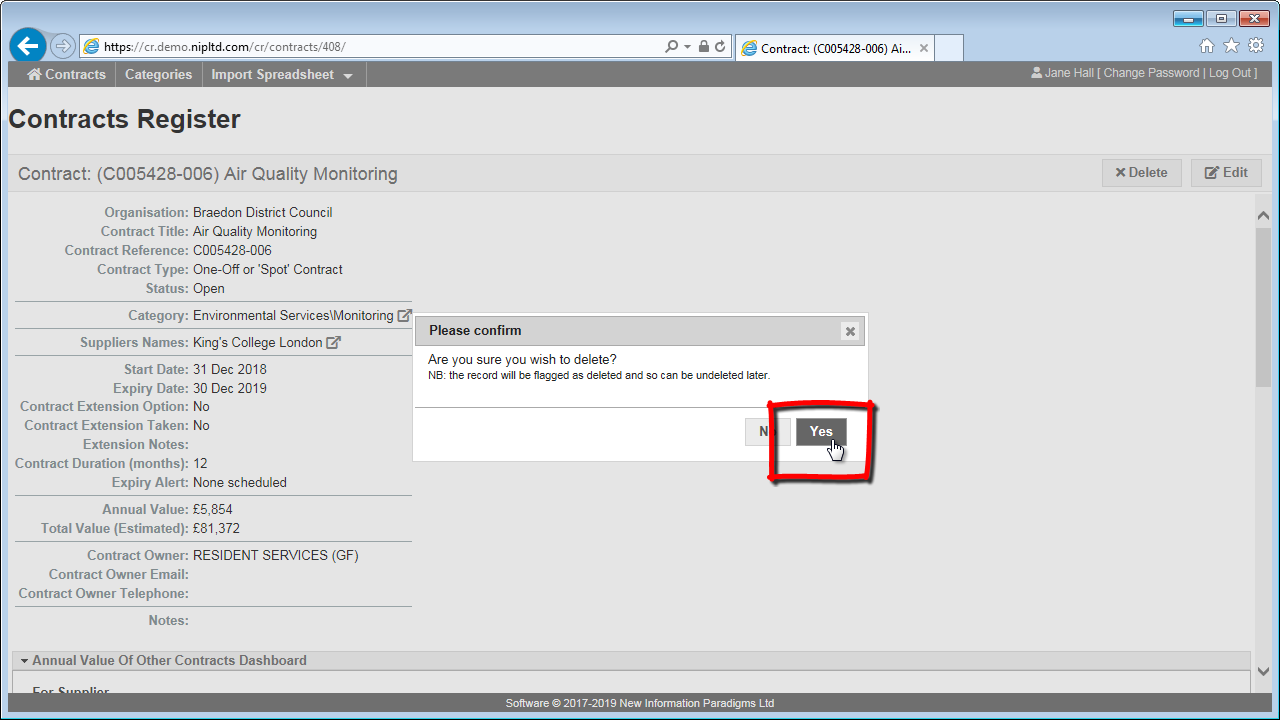
Click on ‘Yes’ to confirm the deletion of the contract.
After you will see the contract has a status of ‘Deleted’, and will no longer appear in the Register (see below for caveat).
Undeletion
If a contract has been deleted in error it can be undeleted.
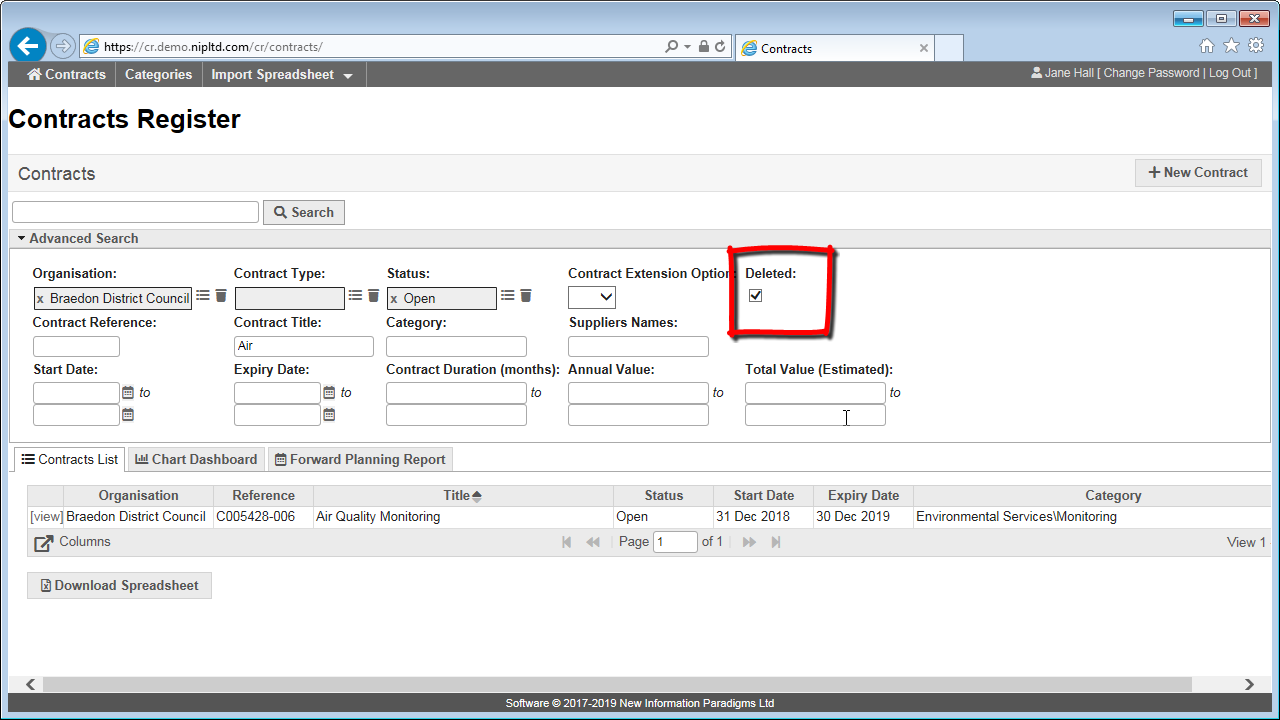
To find a deleted contract use the ‘Deleted’ filter on the Contracts page. (See Advanced search for more on how to use search filters.)
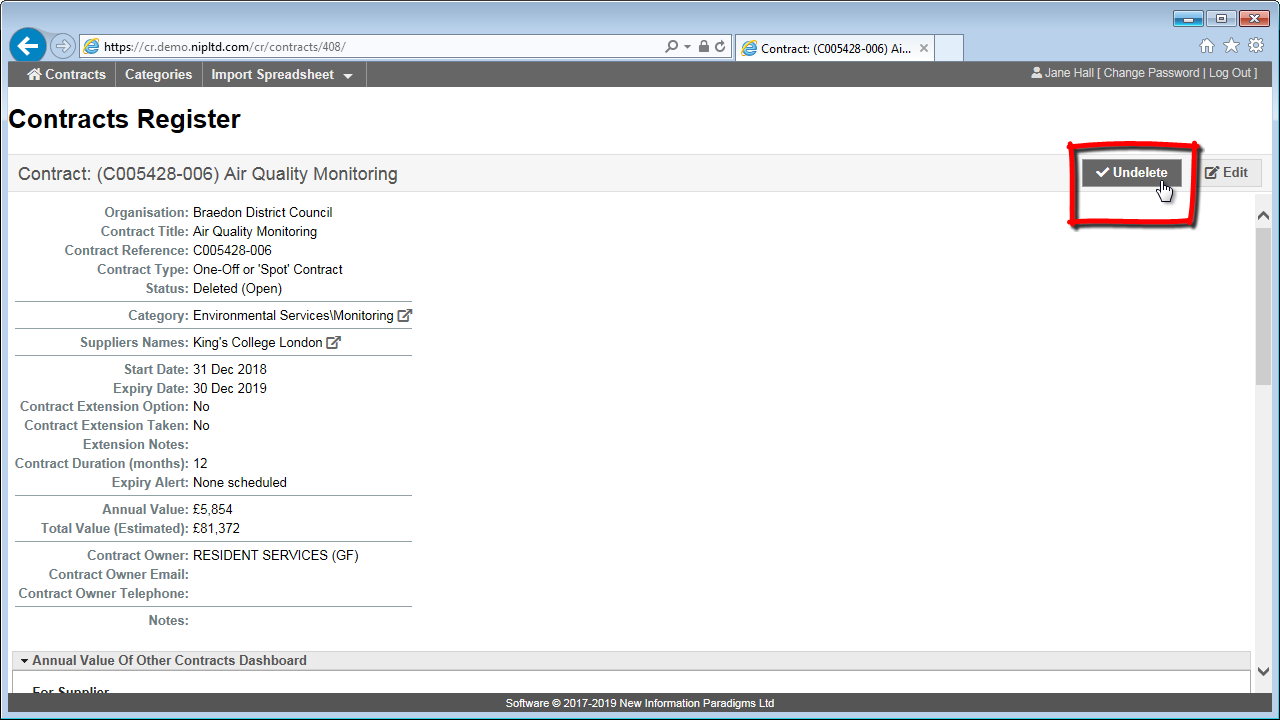
Once you have found the contract, view it and then click the Undelete button to the top right. There is a confirmation step similar to the Deletion one shown above.