You must have the necessary access level to add or edit users.
Note: Further guidance is available on how to add or edit users using a spreadsheet export and import.
Step 1
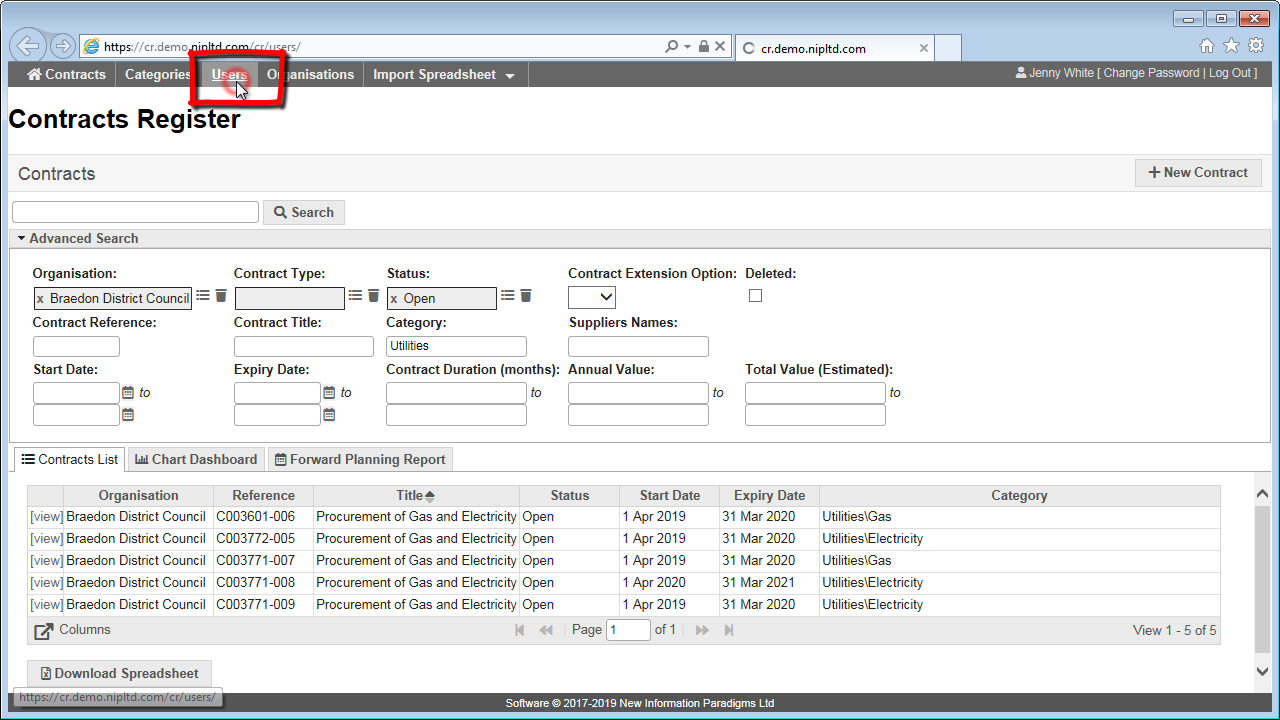
Click on the “Users” button in the top menu to access a list of current users.
Step 2
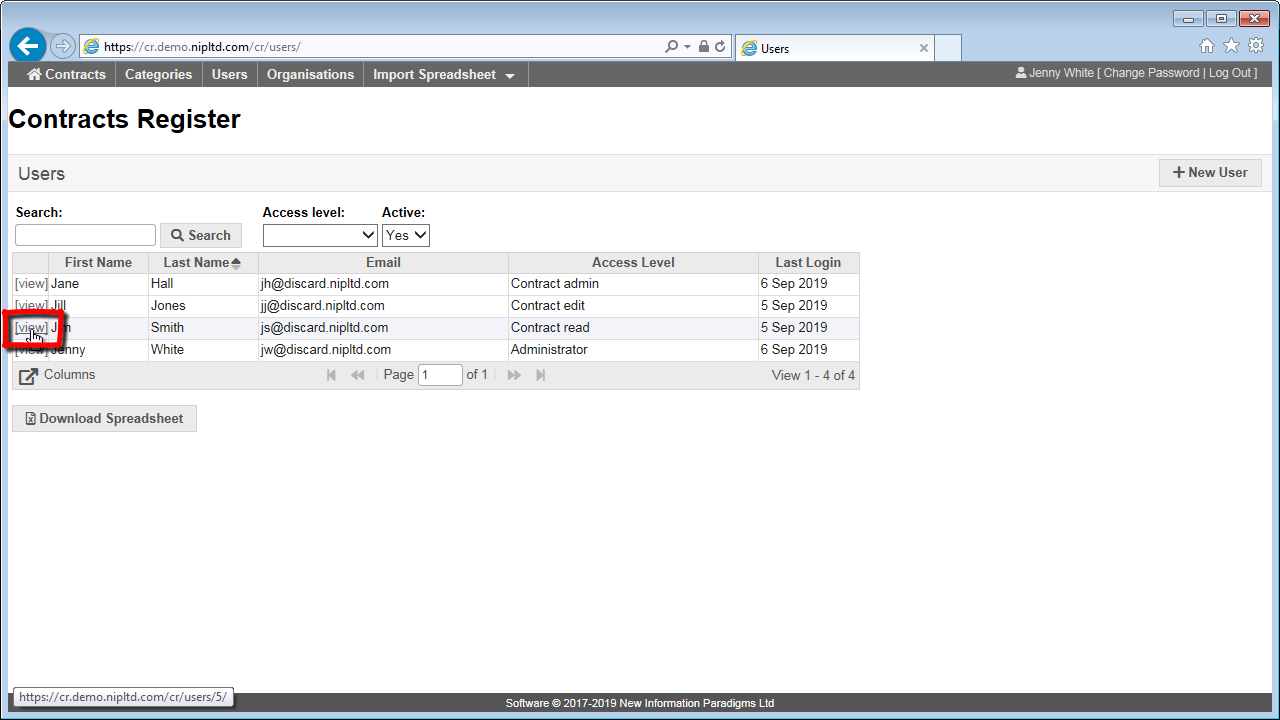
Click on the “view” link to the left of the particular user you wish to edit.
Step 3
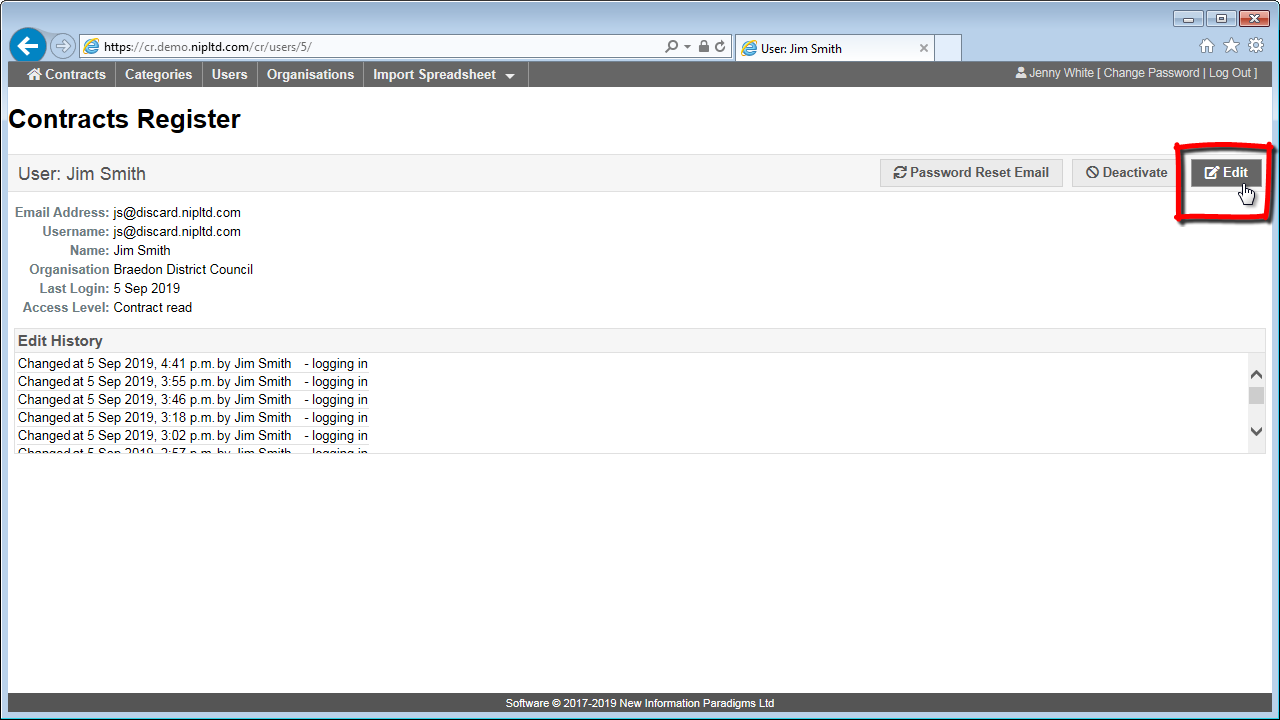
When viewing a user record, click on the “Edit” button in the top right.
Step 4
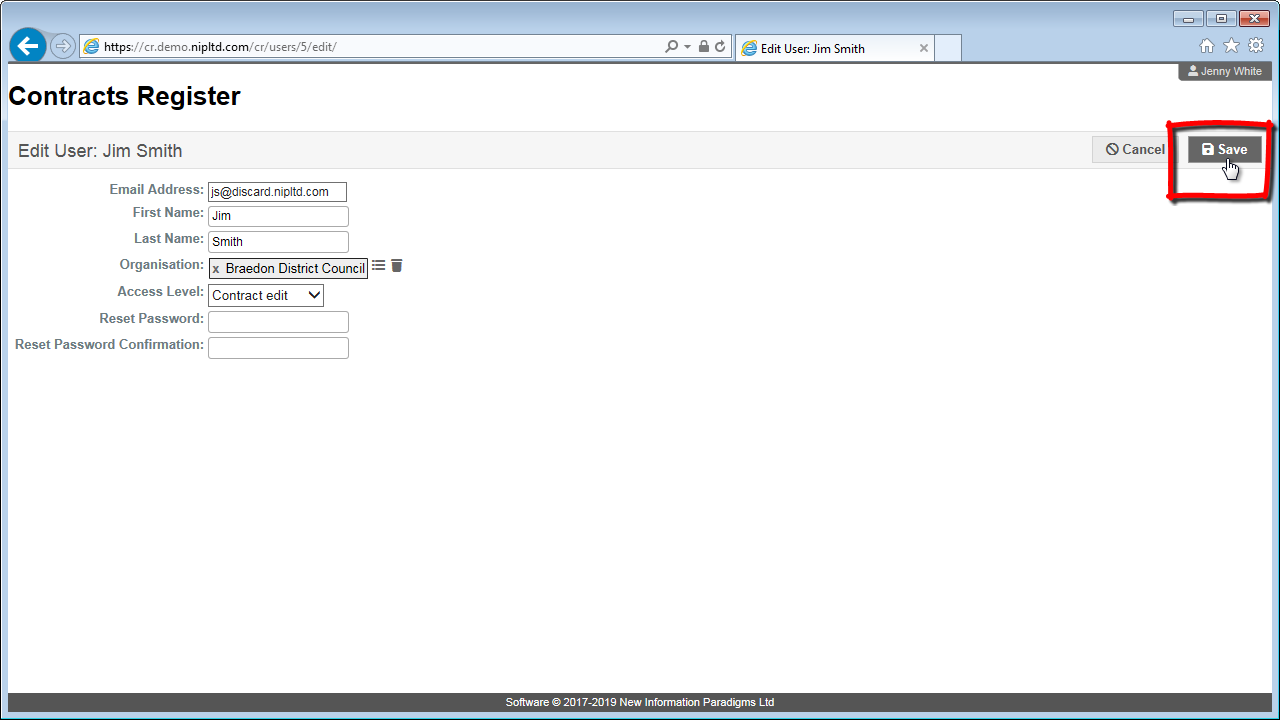
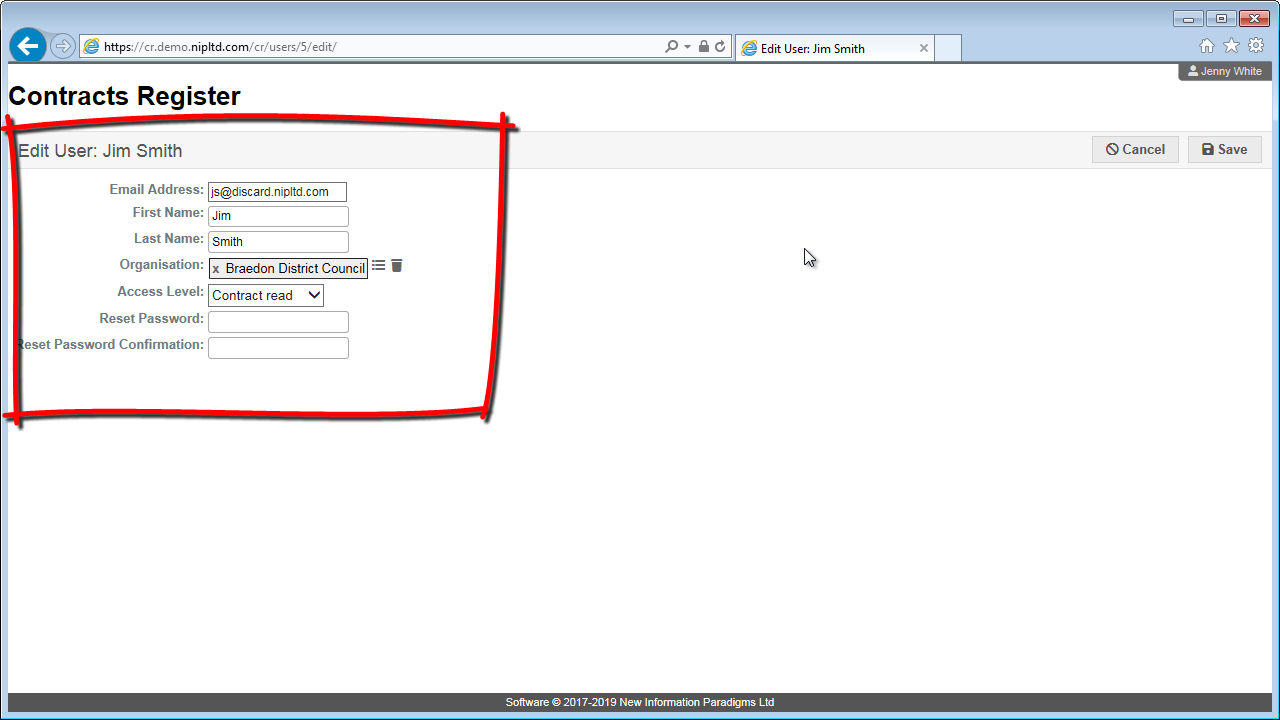
Make any changes to the user information.
Note: some fields are mandatory – see field descriptions for detail.
You can see an explanation of the different Access Levels users can be granted here.
Step 5
Click “Save” in the top right to save your changes.